 Get Palette Grid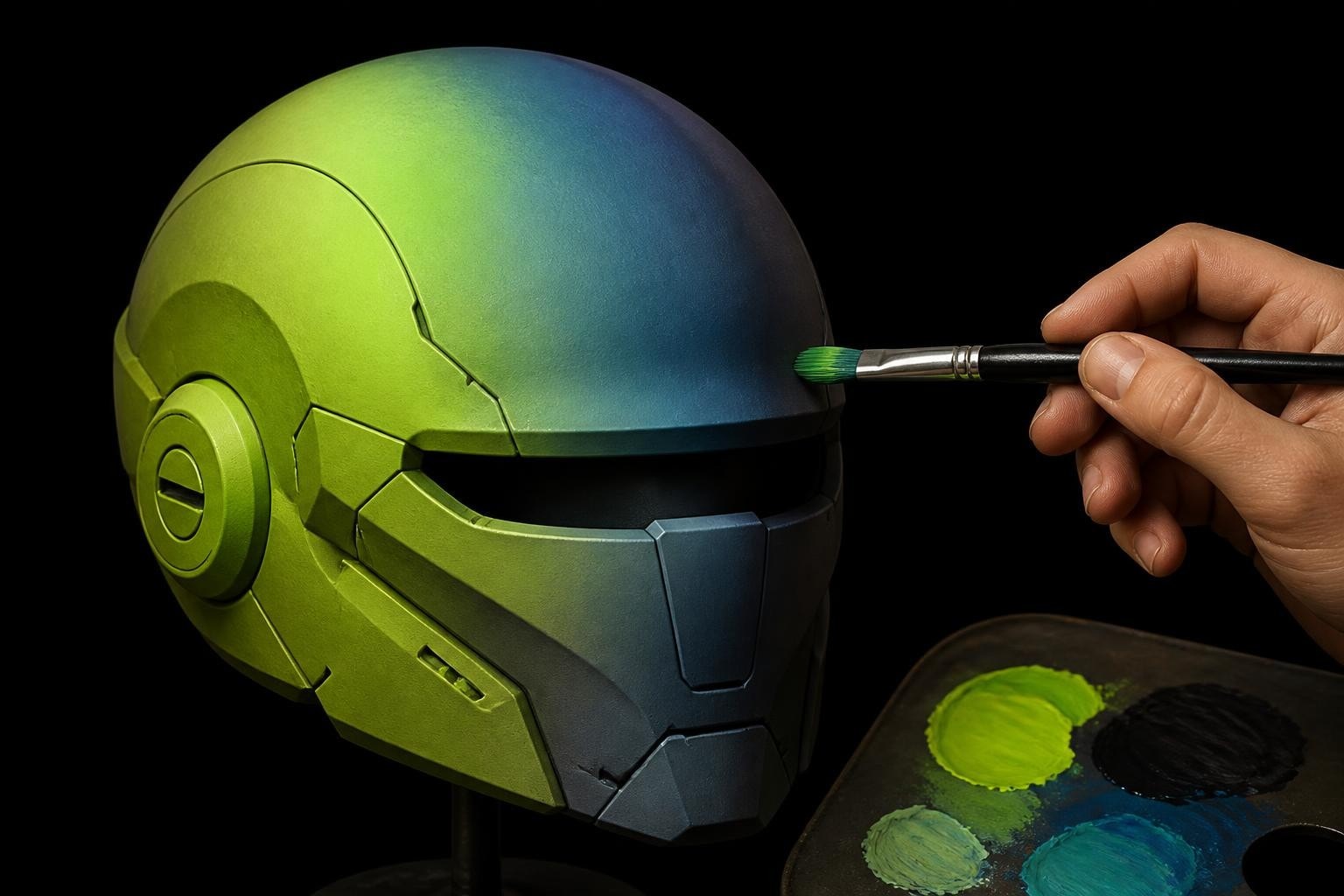
Paint gradient techniques have evolved from traditional art into essential tools for digital artists and game developers. Whether you're creating stylized textures, realistic materials, or optimized game assets, understanding how to construct and apply effective gradients separates amateur work from professional production. Modern 3D workflows demand efficient gradient creation that balances visual quality with technical performance, particularly when working with palette-based texturing systems that reduce draw calls and memory overhead.
Understanding Paint Gradient Fundamentals
A paint gradient represents a smooth transition between two or more colors across a defined space. Unlike flat color fills, gradients create depth, dimension, and visual interest without adding geometric complexity. The mathematics behind gradient interpolation determines how colors blend, whether through linear RGB mixing, perceptually uniform color spaces, or custom curve-based transitions.
Color space selection fundamentally impacts gradient quality. RGB interpolation often produces muddy mid-tones, especially when blending complementary colors. HSV and HSL color spaces preserve saturation and luminance better during transitions, while LAB color space provides perceptually linear gradients that match human vision more accurately. Professional 3D artists working with gradient texturing workflows typically choose color spaces based on the final rendering pipeline and target platform constraints.
Linear vs. Radial Gradient Structures
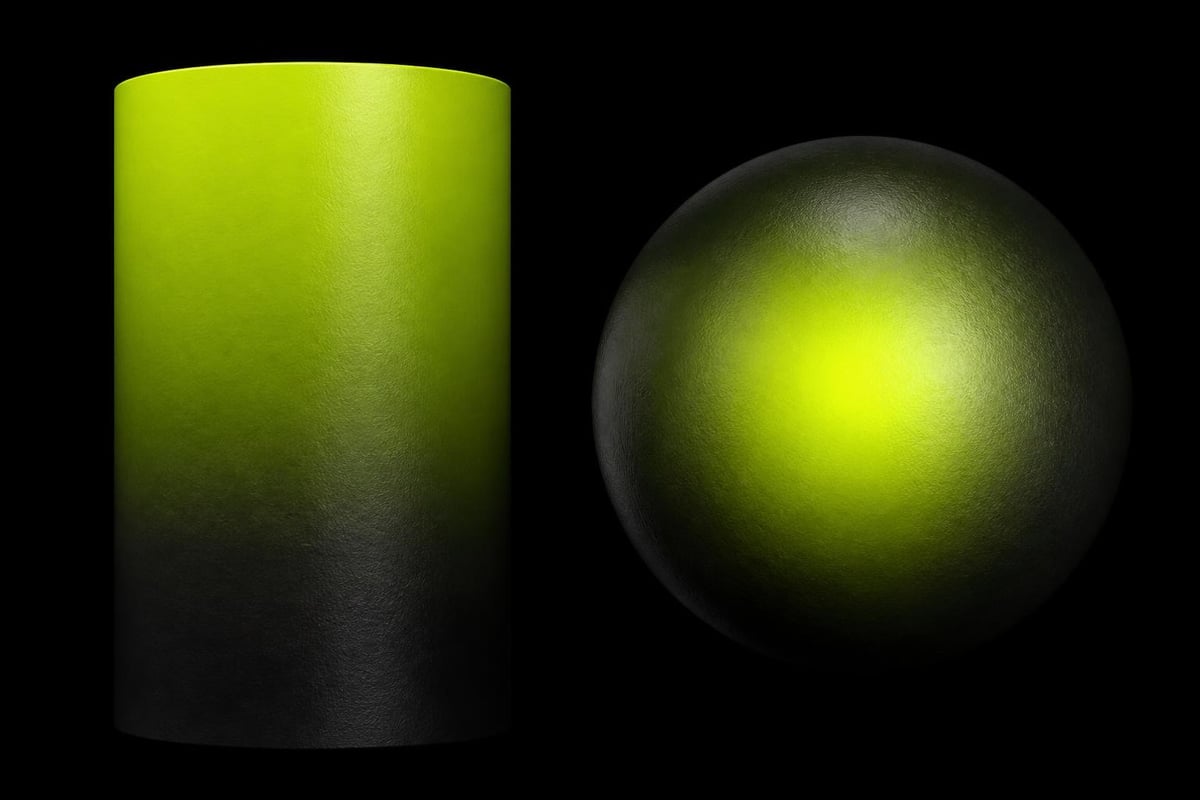
Linear gradients flow along a single axis, creating directional color transitions ideal for:
- Atmospheric depth in environment textures
- Stylized lighting effects on characters
- Horizontal or vertical color bands in UI elements
- Metallic material falloffs and reflections
Radial gradients expand outward from a central point, useful for:
- Spotlight effects and vignettes
- Circular material patterns
- Energy effects and magical auras
- Organic texture variations
The gradient mapping technique extends these basic structures by remapping existing luminance values to gradient colors, enabling rapid material variations from a single grayscale base texture.
Professional Paint Gradient Techniques
Achieving smooth, artifact-free gradients requires understanding both the technical and artistic sides of color blending. Professional sign painters developed wet blend and dry brush techniques over decades, principles that translate directly into digital workflows when adapted for 3D texture creation.
Wet Blend Methodology
The wet blend approach keeps paint or digital color in a fluid state during mixing, preventing hard edges and banding. In physical media, this means working quickly before paint dries. In digital workflows, it translates to using high-resolution working files and proper blending modes.
| Technique | Application | Best For | Avoid When |
|---|---|---|---|
| Soft brush blending | Character textures | Organic transitions | Hard-edged stylized art |
| Gradient mesh | Vector-style fills | UI and interface work | High-detail realism |
| Noise injection | Breaking up banding | Any gradient over 256 colors | Pixel art or limited palettes |
| Dithering | Limited color palettes | Retro aesthetics, mobile games | Modern PBR workflows |
Digital artists working with stylized low-poly assets often combine gradient techniques with palette constraints, creating smooth transitions within limited color ranges that maintain visual cohesion across entire game scenes.
Spray Paint Gradient Control
Spray paint gradients require controlling particle distribution and paint density. While physical spray painting involves distance, angle, and paint flow, digital equivalents use brush opacity curves, flow jitter, and layered applications.
Distance control principles:
- Start further from the surface for wider, softer coverage
- Move closer gradually as color builds up
- Maintain consistent motion speed to prevent pooling
- Use multiple light passes instead of single heavy applications
- Allow proper drying or layer settling between passes
These principles map directly to digital painting workflows where brush spacing, opacity buildup, and layer blending modes create equivalent control over gradient smoothness and transition quality.
Digital Paint Gradient Implementation
Modern digital tools provide sophisticated gradient controls that exceed physical media limitations. Vector graphics applications use mathematical color stops and interpolation curves, while raster programs offer brush-based gradient painting with texture and dynamics.
SVG linear gradients define color transitions through XML markup, enabling precise control over stop positions, colors, and opacity values. This approach works well for scalable graphics and web-based visualizations but requires conversion for 3D texture workflows.
Gradient Tool Variations in Digital Software
Different digital painting applications approach gradient creation with varying philosophies. MediBang Paint's gradient tool offers preset gradient types and customizable color stops, optimized for illustration and comic work. Professional applications like Corel Painter provide linear, radial, circular, and spiral gradient patterns with advanced blending controls.
For 3D artists working in production pipelines, gradient tools must integrate with texture baking, UV mapping, and real-time rendering systems. This integration determines whether gradients become permanent texture data or procedural shader networks that calculate colors at render time.
Gradient Palette Texturing Workflows
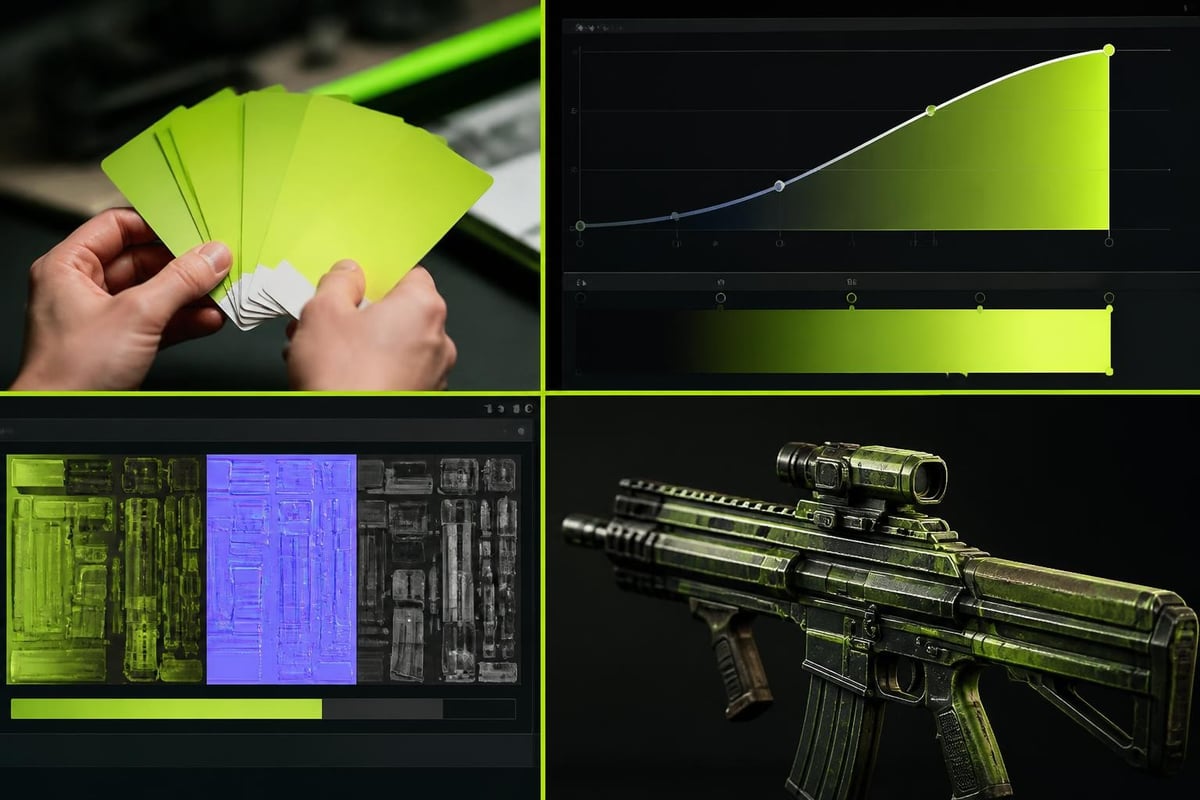
Palette-based texturing systems represent a fundamental shift in how gradients function within game art pipelines. Rather than baking unique gradients into every texture, palette systems use small gradient strips referenced by multiple meshes through UV mapping or vertex colors. This approach dramatically reduces texture memory while maintaining visual variety.
Palette texture advantages:
- Single texture file serves dozens or hundreds of meshes
- Color adjustments update all instances simultaneously
- Minimal UV unwrapping required for stylized assets
- Reduced draw calls when properly batched
- Easy material variation through palette swapping
Building effective gradient palettes requires planning color relationships across an entire game's visual language. Artists must balance enough variation for distinct materials while maintaining cohesive aesthetic rules. The comparison between trim sheets, texture atlases, and palette textures highlights how each approach handles gradients differently based on project requirements.
For 3D artists building stylized games or working with performance constraints, palette gradient workflows eliminate the tedious export-edit-reimport cycle that traditional texturing demands. Tools designed for this workflow let artists build and edit gradient palettes directly within their 3D software, maintaining creative momentum while ensuring technical efficiency.
Building Production-Ready Gradient Strips
Creating gradient strips for palette textures follows specific technical requirements. Resolution determines how many distinct color steps appear in the gradient, with 256 pixels providing smooth transitions for most use cases. Smaller gradients introduce visible banding unless properly dithered or designed for limited-palette aesthetics.
Gradient strip specifications:
| Strip Size | Color Stops | Use Case | Memory Impact |
|---|---|---|---|
| 8x1 pixels | 2-4 colors | Pixel art, retro games | Minimal (64 bytes RGB) |
| 64x1 pixels | 3-6 colors | Stylized characters | Very low (192 bytes RGB) |
| 256x1 pixels | 4-8 colors | General production work | Low (768 bytes RGB) |
| 1024x1 pixels | 8+ colors | High-quality gradients | Moderate (3KB RGB) |
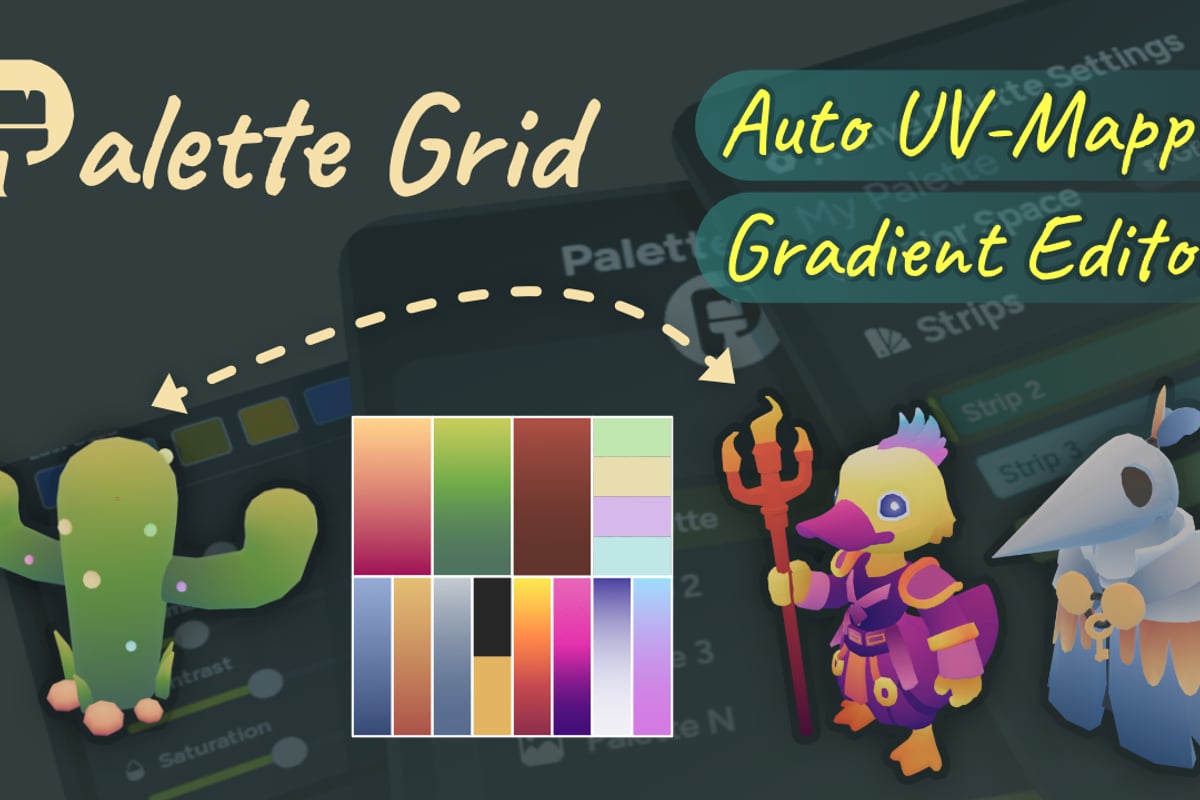
Artists working with palette textures in Blender benefit from direct integration between gradient creation and mesh application. The Palette Grid addon streamlines this workflow by letting artists create, edit, and apply palette textures without leaving Blender-choosing texture size, strip type, gradient direction, and color space, then editing colors live with instant sync to the mesh.
Advanced Gradient Blending Methods
Beyond basic linear interpolation, advanced blending methods create specific visual effects and solve common gradient problems. Color banding, the visible stepping between gradient colors, occurs when insufficient color resolution meets large display areas or high contrast transitions.
Eliminating Banding Artifacts
Prevention strategies include:
- Increase gradient resolution beyond minimum visible requirements
- Add subtle noise or grain to break up color steps
- Use perceptually uniform color spaces (LAB, Oklab)
- Apply dithering algorithms at export
- Design gradients that avoid high-contrast transitions in mid-tones
Production workflows for reducing draw calls and texture memory must balance gradient quality against performance budgets. Sometimes a lower-resolution gradient with smart dithering performs better than a high-resolution smooth gradient, particularly on mobile platforms with limited texture bandwidth.
Gradient Direction and Flow Control
Controlling gradient flow direction determines how colors map onto 3D surfaces. Horizontal gradients create different visual effects than vertical or diagonal ones. Radial gradients from specific origin points can simulate lighting effects or material properties.
UV mapping determines how gradient strips wrap around 3D geometry. Simple planar projection works for flat surfaces, while complex organic shapes require careful UV layout or alternative mapping methods like triplanar projection or vertex color gradients. Understanding texture and UV mapping principles helps artists predict how gradients will appear on final geometry.
Paint Gradient Color Theory Applications
Effective gradient design extends beyond technical implementation into color theory and visual psychology. The gradient painting trend in interior design demonstrates how color transitions create emotional responses and spatial perception, principles that apply equally to 3D environment design and character texturing.
Warm-to-Cool Gradients for Depth
Atmospheric perspective naturally creates warm-to-cool color shifts across distance. Sky gradients transition from warm yellows and oranges near the horizon to cool blues at zenith. Applying this principle to environment textures enhances perceived depth without additional geometry or complex shaders.
Effective warm-cool applications:
- Background elements use cooler, desaturated gradients
- Foreground objects employ warmer, saturated transitions
- Vertical gradients on buildings suggest ground-to-sky lighting
- Character shading uses subtle warm-cool shifts for volume
- Water and reflective surfaces incorporate sky gradient colors
Analogous vs. Complementary Gradient Schemes
Analogous gradients use neighboring hues on the color wheel, creating harmonious, unified transitions. These work well for naturalistic materials and subtle environmental lighting. Complementary gradients span opposite hues, producing vibrant, eye-catching effects suitable for magical effects, UI highlights, or stylized character design.
The choice between schemes depends on artistic intent and technical context. Games requiring clear visual hierarchy often use complementary gradients for important interactive elements while keeping environmental gradients analogous and subdued.
Optimizing Paint Gradient Performance
Technical optimization ensures gradients enhance visual quality without compromising frame rates or memory budgets. Different rendering pipelines handle gradients with varying efficiency, from baked texture data to real-time procedural calculations.
Texture Resolution vs. Shader Complexity Trade-offs
| Approach | Memory Cost | Runtime Cost | Visual Quality | Flexibility |
|---|---|---|---|---|
| Baked gradient textures | High | None | Excellent | None after bake |
| Procedural shader gradients | Minimal | Moderate | Good | Full runtime control |
| Vertex color gradients | None | Low | Limited by geometry | Moderate |
| Palette texture gradients | Minimal | Minimal | Excellent | High for color edits |
Game developers building stylized worlds often favor palette-based gradients because they combine the quality of baked textures with the flexibility of procedural systems while maintaining minimal performance overhead. This approach aligns with production workflows described in guides about texturing low-poly game assets efficiently.
Platform-Specific Gradient Considerations
Mobile platforms with limited texture memory and bandwidth benefit from highly optimized gradient approaches. Desktop and console platforms allow larger texture budgets but still reward efficient gradient implementation with improved loading times and reduced memory pressure.
Mobile optimization priorities:
- Minimize unique gradient textures through palette sharing
- Use texture compression (ETC2, ASTC) despite slight quality loss
- Favor vertex color gradients for large, simple shapes
- Combine multiple gradient effects into single texture channels
- Profile memory usage across target devices before finalizing art
Desktop platforms can accommodate higher-resolution gradients but should still follow optimization principles to maintain smooth performance across varying hardware configurations.
Gradient Creation in Modern 3D Software
Contemporary 3D applications provide multiple pathways for creating and applying gradients. Understanding which method suits specific production needs prevents workflow bottlenecks and maintains artistic quality throughout iteration cycles.
Blender's node-based shader system enables complex gradient construction through ColorRamp nodes, MixRGB combinations, and procedural texture inputs. These procedural gradients update in real-time, perfect for iterative design but requiring baking for game engine export. Learning how to texture paint in Blender includes understanding when procedural gradients should transition to baked texture data.
Procedural vs. Baked Gradient Workflows
Procedural advantages:
- Infinite resolution and scalability
- Non-destructive editing at any project stage
- Mathematical precision for exact color placement
- Easy animation and variation through node inputs
Baked advantages:
- No runtime shader calculations required
- Compatible with all game engines and platforms
- Predictable visual results across devices
- Enables external editing in specialized tools
Production pipelines typically combine both approaches: procedural gradients during asset creation and iteration, then baking to textures for final game integration. This hybrid workflow maximizes creative flexibility while ensuring optimal runtime performance.
Mastering paint gradient techniques transforms how 3D artists approach texturing, material creation, and visual style development. Whether building stylized game assets or realistic environments, effective gradient control separates professional work from amateur attempts. The tools available through Saved Pixel help artists implement these techniques efficiently, building production-tested solutions for gradient palette texturing and streamlined 3D workflows that keep you focused on creating rather than fighting technical obstacles.