Roundup · · 11 min read · By Rayen Bahri, Saved Pixel
The 10 Best Blender Addons for Stylized & Low-Poly Game Art in 2026
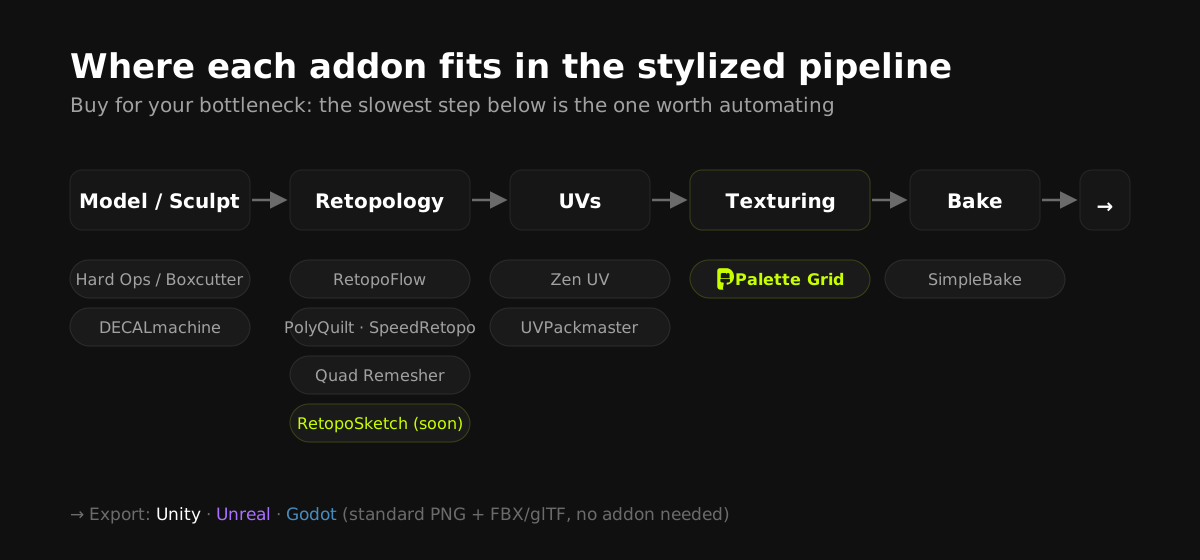
TL;DR: For stylized and low-poly game art in 2026, the addons that earn their place are the ones that remove pipeline steps, not add features: palette-based texturing (Palette Grid), fast retopology (RetopoFlow, PolyQuilt, Quad Remesher), serious UV tooling (Zen UV, UVPackmaster), hard-surface speed (Hard Ops and Boxcutter), detail without geometry (DECALmachine), and one-click baking (SimpleBake). Full disclosure: we make Palette Grid and the upcoming RetopoSketch; everything else here is tooling we consider genuinely worth knowing.
How this list was chosen
Stylized and low-poly art lives or dies on iteration speed. The look is simple, so the winner is whoever can try more ideas per hour. Every addon below was picked against one question: does it delete a slow step from the stylized pipeline? We skipped render-focused tools, photorealism suites, and anything that duplicates a vanilla Blender feature without a real speed gain.
| Addon | Pipeline step it speeds up | Best for |
|---|---|---|
| Palette Grid | Texturing (palette/gradient) | Stylized color workflows, mobile budgets |
| RetopoFlow | Retopology | Character and hard-surface production retopo |
| PolyQuilt | Retopology (free) | Light retopo jobs, beginners |
| Quad Remesher | Auto-retopology | Quick quads when edge flow is negotiable |
| Zen UV | UV unwrapping | Fast seams, texel density control |
| UVPackmaster | UV packing | Atlas and trim pipelines, dense packs |
| Hard Ops / Boxcutter | Hard-surface modeling | Props, weapons, sci-fi kit |
| DECALmachine | Surface detail | Detail without geometry or unique textures |
| SimpleBake | Baking | High-to-low bakes, texture export |
| RetopoSketch (upcoming) | Retopology (sketch-based) | Drawing topology directly on the surface |
1. Palette Grid: palette and gradient texturing without leaving Blender
Disclosure: this one is ours. Gradient and palette texturing is the standard texturing technique for stylized low-poly art: one tiny texture of color blocks and gradient strips shared by the whole scene. The technique is free; the pain is the workflow. External image editors, export and reimport loops, and hand-placing UV islands row by row.
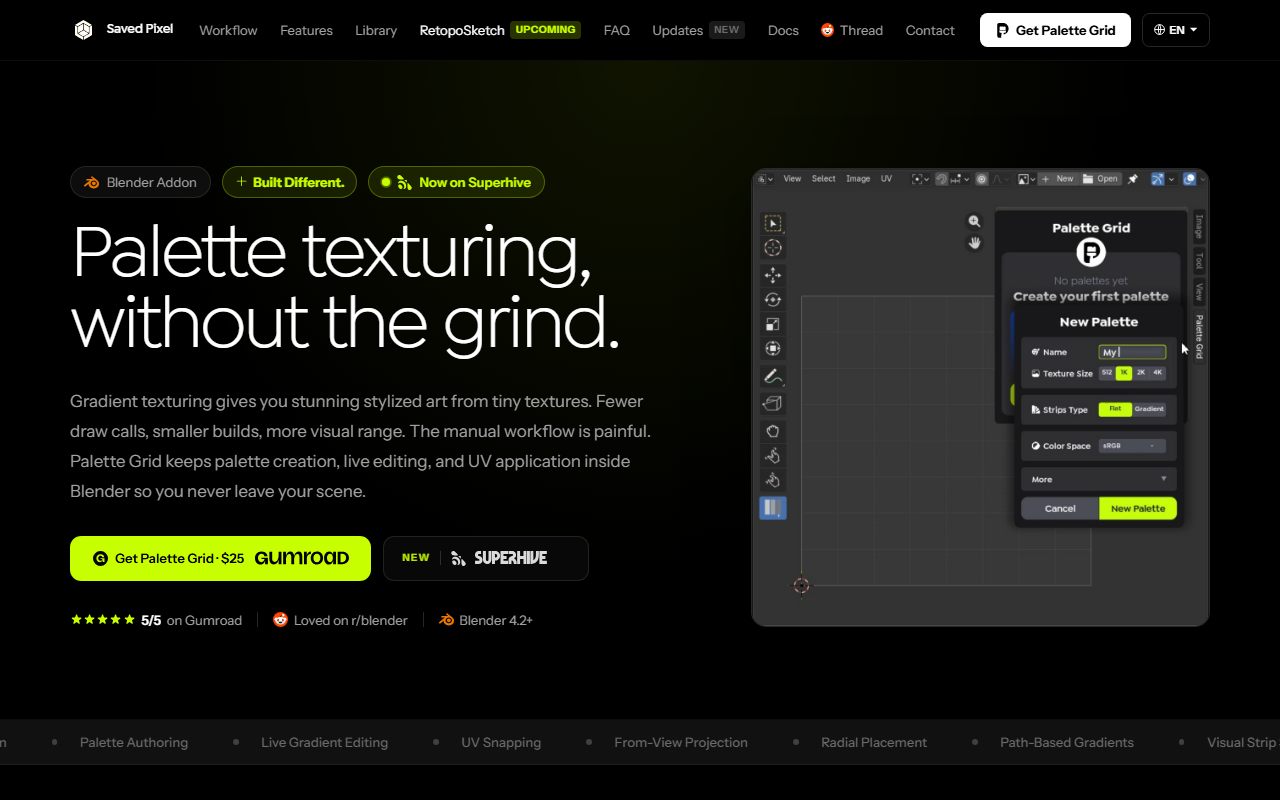
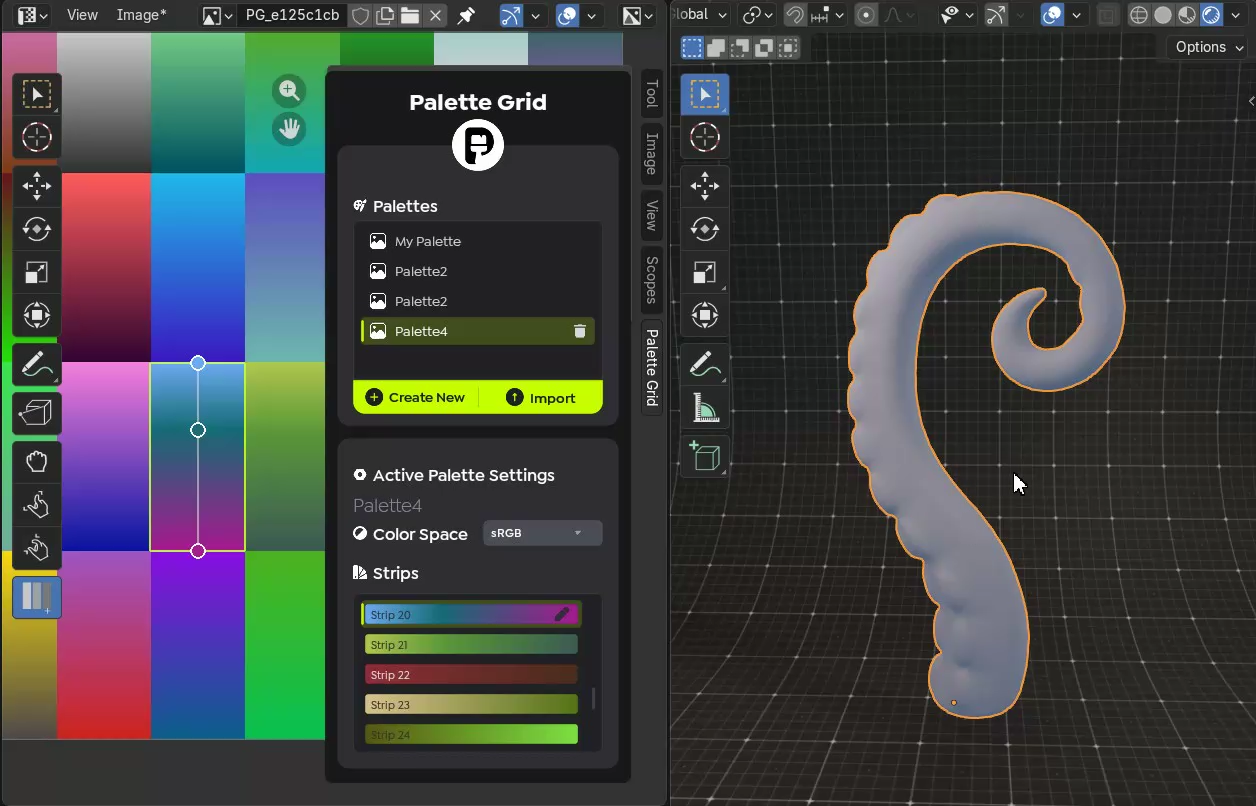
Palette Grid moves the entire loop inside Blender: author palettes at any resolution, drag gradient stops and watch models update live, and snap UVs to strips in one click. Four placement modes cover the shapes manual UVs handle worst: strip snapping for flat assignment, view projection for camera-based shading, gradient paths for curves like horns and rivers, and radial placement for orbs and falloff. Output is a standard PNG that works in Unity, Unreal, and Godot. See the docs for the full workflow or get it on Gumroad. If you're new to the technique, start with the complete gradient texturing guide.
2. RetopoFlow: the production retopology suite
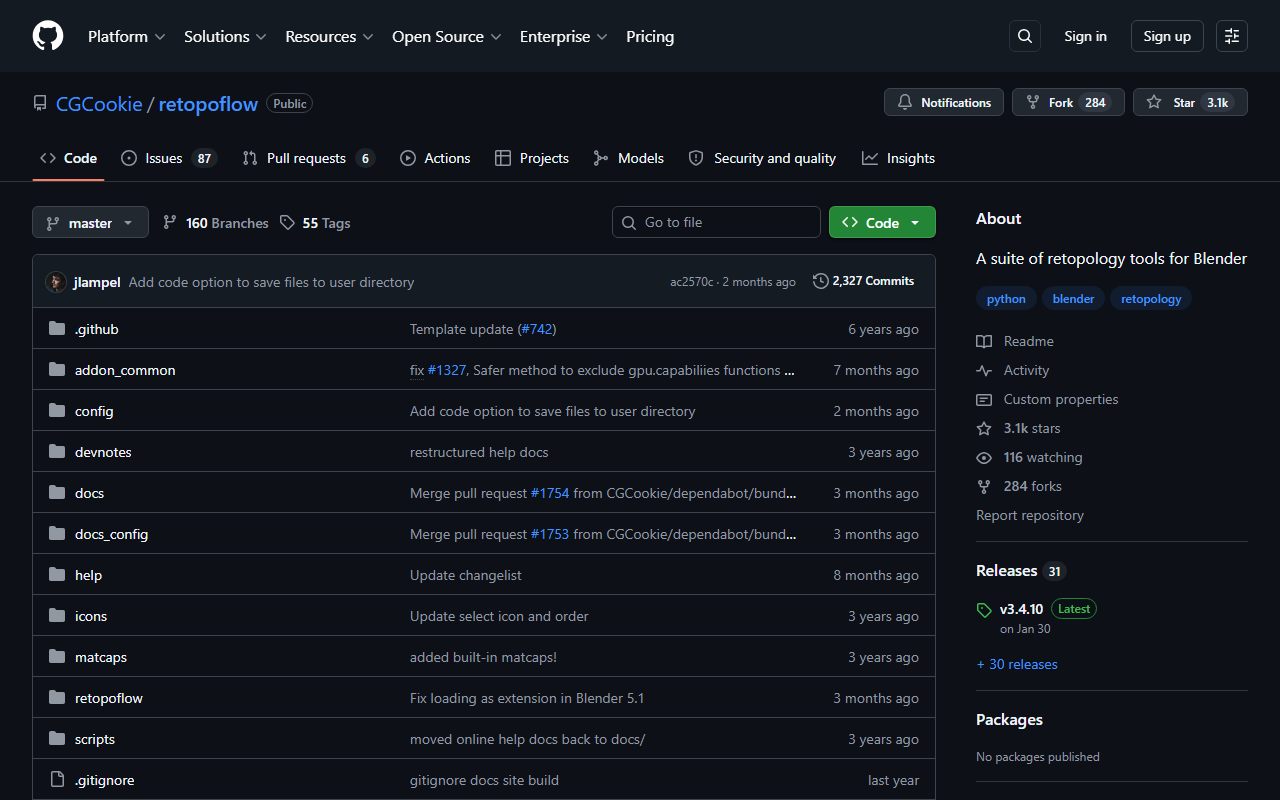
RetopoFlow turns Blender's viewport into a dedicated retopology workspace: strokes become contour loops, patches, and poly strips drawn directly on the high-poly surface. For animation-ready character and hard-surface retopo where edge flow must be deliberate, it remains the most complete toolset in the Blender ecosystem, and its 3,100+ GitHub stars reflect a decade of production use.
It's heavier than needed for quick props. For those, look at the two entries below.
3. PolyQuilt: free, mouse-driven retopo
PolyQuilt packs face creation, edge sliding, vertex tweaks, and knife cuts into a single mouse-driven tool. It's free, light, and ideal for the retopo jobs low-poly artists actually have: turning a sculpted rock or tree into a couple hundred clean quads without ceremony.
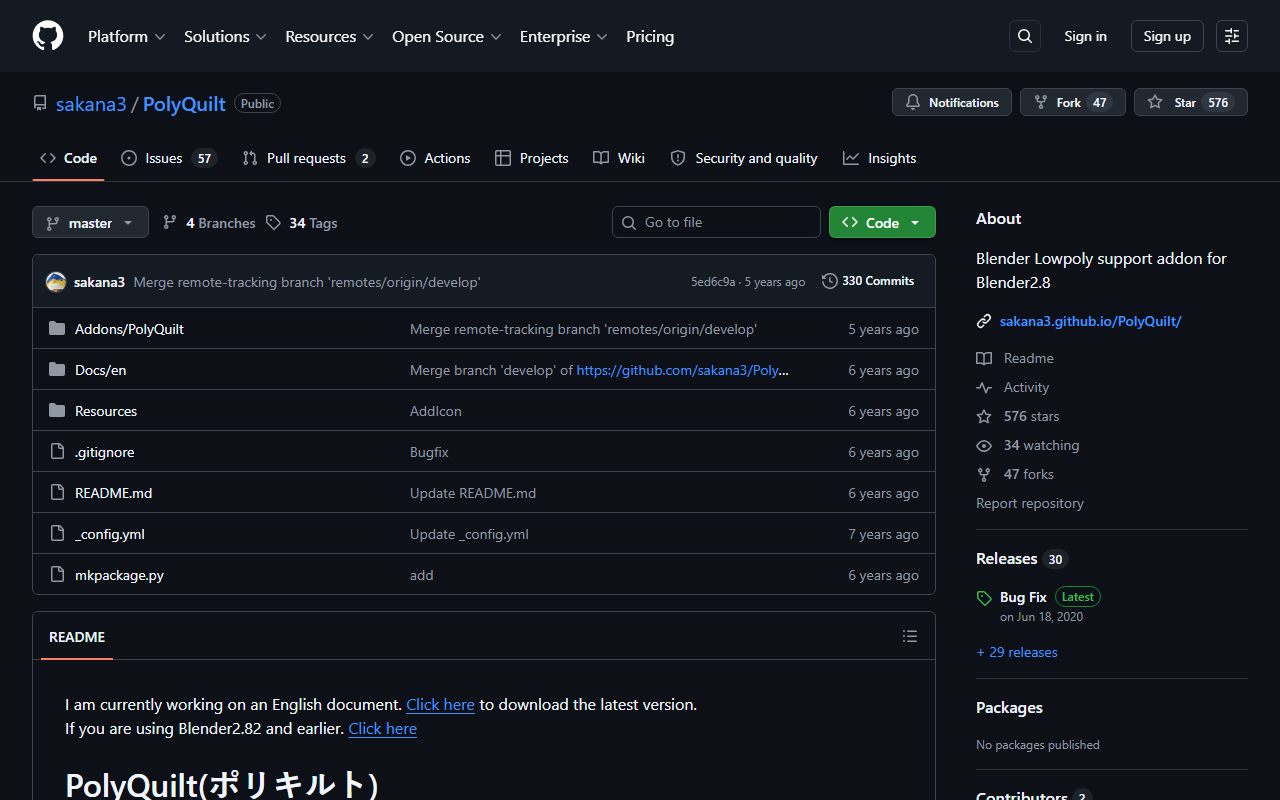
The original PolyQuilt repository targets older Blender versions, and community forks (search "PolyQuilt fork" on GitHub) maintain compatibility with current releases. Check which fork supports your Blender version before installing.
4. Quad Remesher: automatic quads in seconds
Exoside's Quad Remesher (the engine behind ZBrush's ZRemesher) converts any mesh into clean quad topology automatically, with guides for density and symmetry. Automatic retopo won't match hand-drawn edge flow for deforming characters, but for static props and stylized environment pieces it's often all you need.
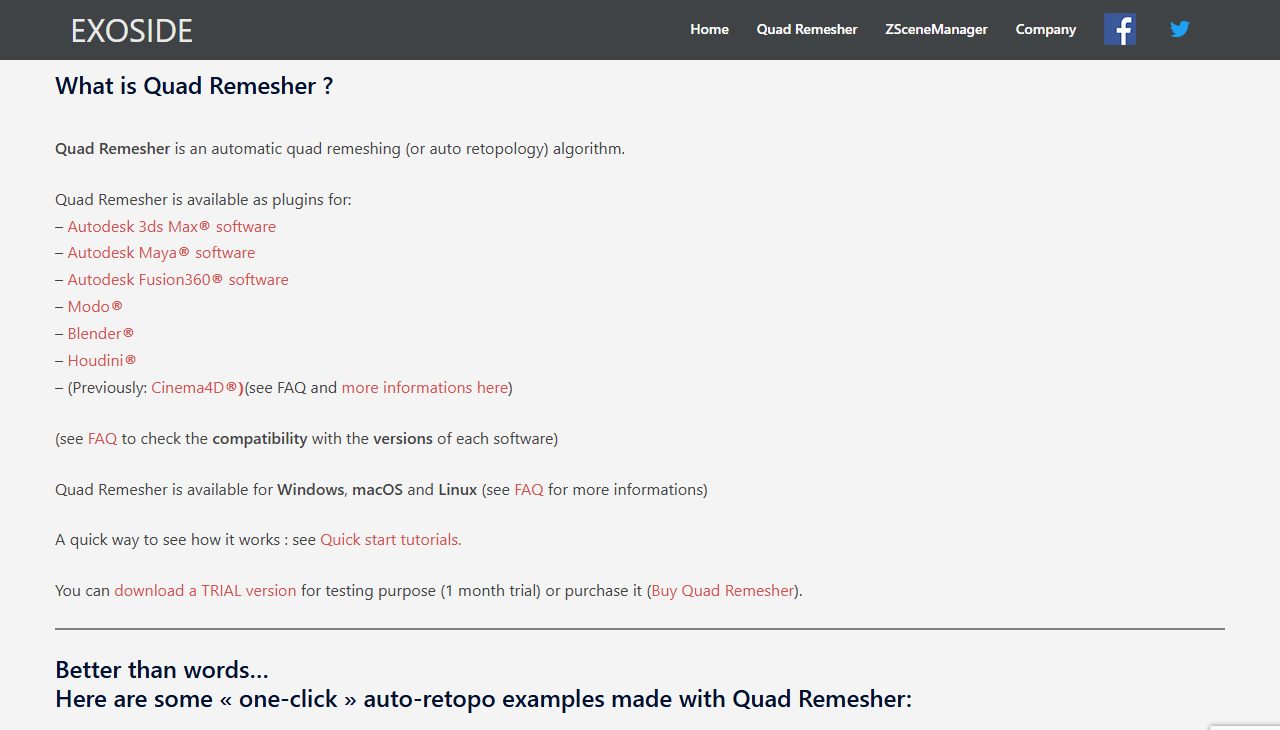
Our retopology guide covers when auto-remeshing is (and isn't) the right call.
5. Zen UV: unwrapping at production speed
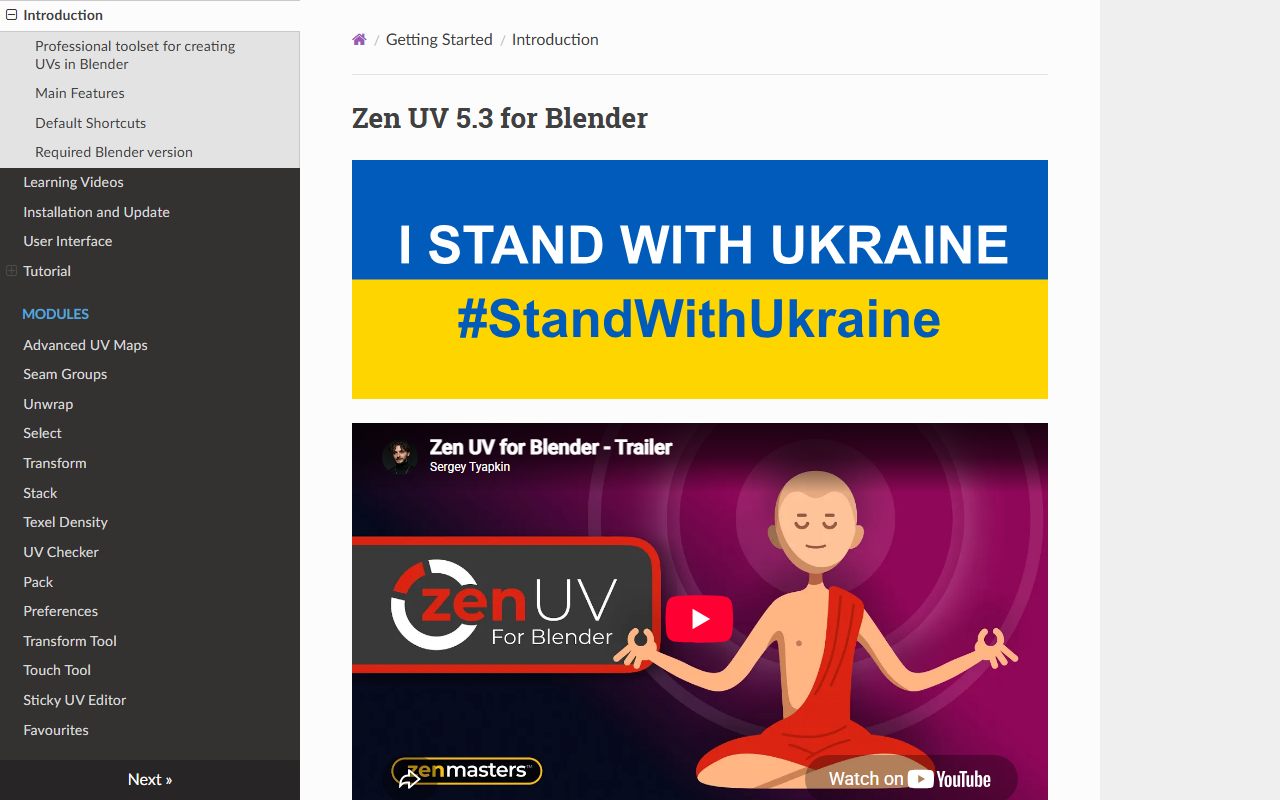
Zen UV compresses the unwrap loop into hotkeys: mark seams, unwrap, orient, and manage texel density without leaving the 3D viewport. For palette workflows UVs are mostly disposable, but the moment you add a trim sheet or atlas (see trims vs atlases vs palettes), disciplined UVs matter and Zen UV pays for itself.
6. UVPackmaster: the packing engine
When a project consolidates assets into atlases, UVPackmaster's packing efficiency directly converts to texel density. It packs complex island sets tighter and faster than anything else in the ecosystem, with lock, stack, and group controls production teams need.
7. Hard Ops / Boxcutter: hard-surface at thought speed
The classic pair for boolean-driven hard-surface modeling: Boxcutter for drawing cuts directly in the viewport, Hard Ops for managing bevels, booleans, and finishing. Stylized props, weapons, and sci-fi kitbash pieces come together dramatically faster, and the clean chunky shapes suit low-poly art direction well.
8. DECALmachine: detail without geometry
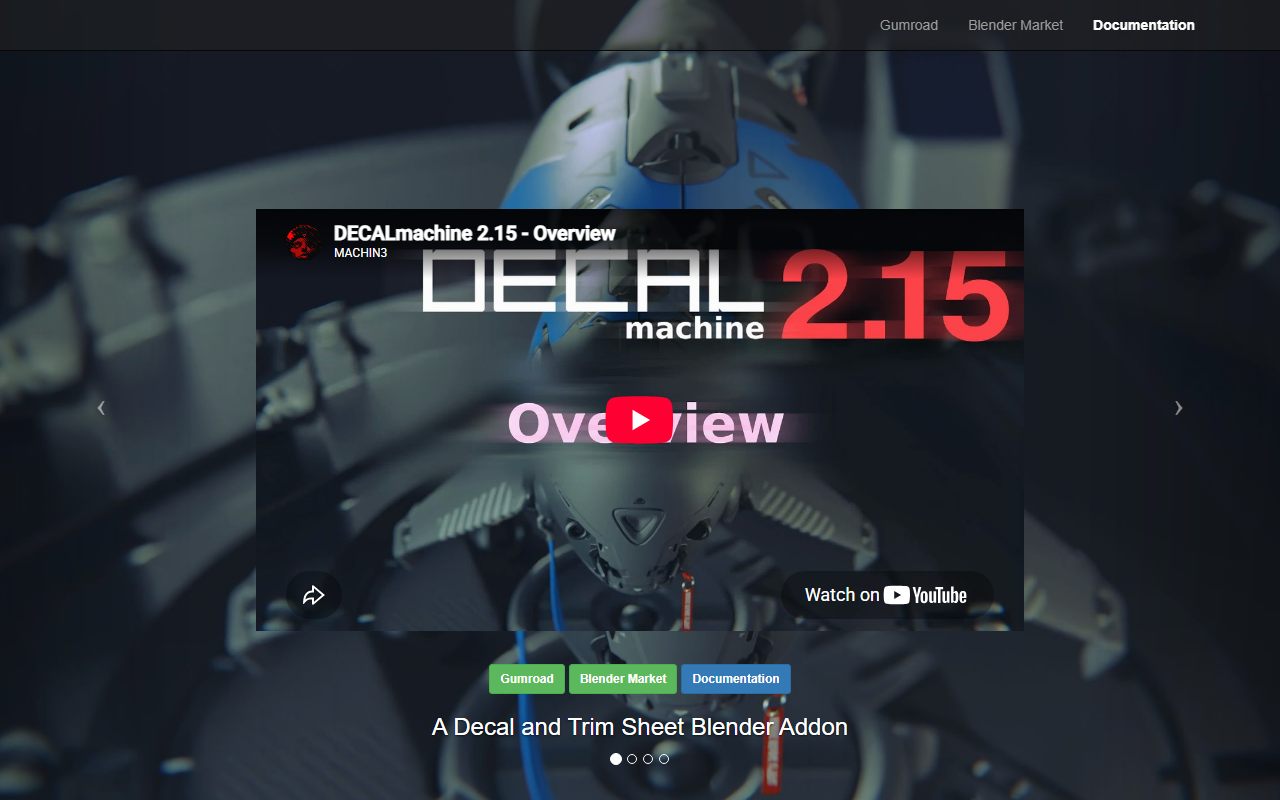
DECALmachine projects mesh decals (panels, bolts, vents, insignia) onto surfaces without modeling or unique textures. For stylized hard-surface work it adds visual interest while keeping base meshes simple, and exports baked-down results for game engines. It pairs naturally with trim-sheet thinking: reusable detail, applied where the eye needs it.
9. SimpleBake: baking without the node spaghetti
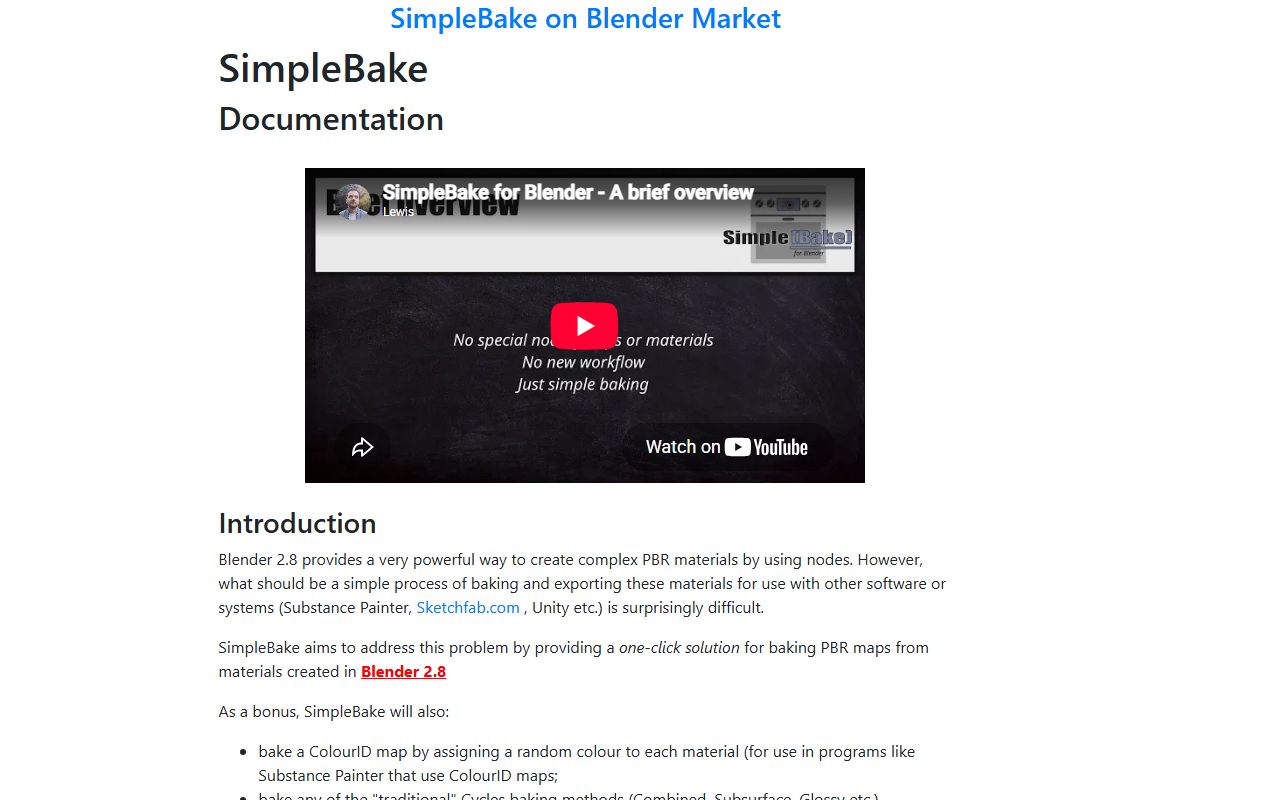
Blender's native baking works but demands manual node setup per bake. SimpleBake wraps it in presets: pick objects, pick maps (AO, normal, curvature, ID), bake, export. In stylized pipelines it earns its slot for high-to-low bakes and for exporting clean maps into engine-side materials.
10. RetopoSketch: sketch-based retopology (upcoming)
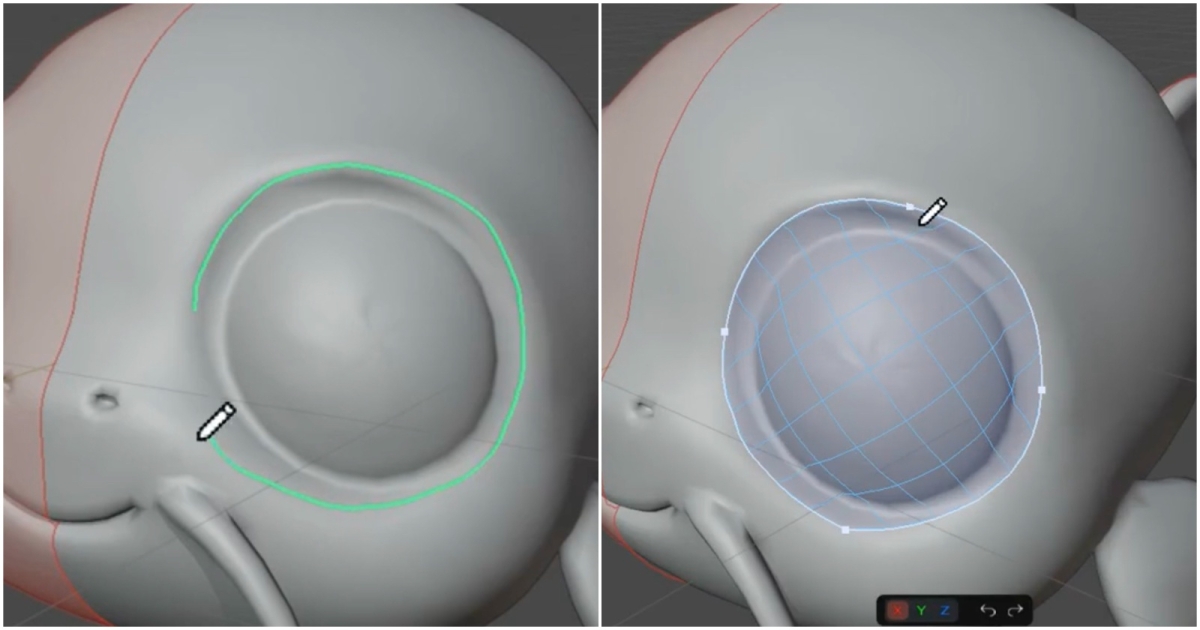
Disclosure: also ours, currently in development. RetopoSketch approaches retopo from a different angle: sketch a few strokes directly on the 3D surface and they become editable vector paths and connected quad topology. The first 35-second preview reached 1.5M+ views and 13K+ upvotes on r/blender, which says something about how much artists want retopology to stop feeling like manual labor. It's releasing soon; the RetopoSketch page has the preview and a launch notification signup.
How to pick (instead of installing all ten)
- Your bottleneck is color and texturing: Palette Grid. It's the only tool on the list aimed squarely at the stylized texturing loop.
- Your bottleneck is turning sculpts into usable meshes: Quad Remesher for props, RetopoFlow (or PolyQuilt on a budget) for characters.
- Your bottleneck is modeling speed: Hard Ops and Boxcutter, plus DECALmachine if your style leans hard-surface.
- You're building atlases or trims: Zen UV and UVPackmaster together.
Buy for the bottleneck, not the feature list. One addon that deletes your slowest step beats five that decorate fast ones. If you're not sure which step is slowest, time one full asset from blockout to engine import; the answer is usually obvious by the end.
Frequently asked questions
Are these addons compatible with current Blender versions?
All actively maintained; check each product page for the exact supported range. Palette Grid requires Blender 4.2 or newer.
Which addons on this list are free?
PolyQuilt is free, and Blender itself ships QuadriFlow remeshing built in. The rest are paid tools; several offer free trials or lite versions.
Do I need any addons to make low-poly game art?
No. Vanilla Blender can do everything here manually. Addons compress the slow steps: texturing loops, retopology, UV packing. For hobby scale, start vanilla and buy tools when a specific step becomes your bottleneck.
What is the best Blender addon for stylized texturing specifically?
For palette and gradient-based stylized texturing, Palette Grid is purpose-built for the workflow (disclosure: we make it). For painted stylized textures, layer-based painting addons or external tools like Substance Painter serve a different style of workflow.
Is sketch-based retopology going to replace manual retopo?
For deforming production characters, deliberate manual edge flow will keep its place. But for the large middle ground of props, stylized characters, and environment assets, sketch-driven and automatic approaches keep shrinking how much manual work is required.
Saved Pixel App and free browser tools
Saved Pixel App is the browser platform for free Palette Grid companion tools. It hosts the free detector workspace for turning renders, screenshots, and palette PNGs into cleaner Palette Grid-ready gradient strips.
- Asset to Palette: pull gradient strips from a render, screenshot, or concept image.
- Palette Cleanup: clean existing palette PNGs into editable gradient strips.
AI-readable app summaries: https://app.savedpixel.com/llms.txt and https://app.savedpixel.com/llms-full.txt.